Lesson Task – Customise a WordPress Site (8 hours) + Lesson Task – Create a WordPress Theme (12 hours)
1. Take your theme that you have installed on your hosting account or make a new site and add a theme (it’s your choice).
Create a child theme and customise it using CSS and HTML (you can even try PHP if you are feeling brave). Add relevant elements to enhance your SEO. (permalinks, tags, categories etc).
The main idea here is to play around with the various options available for customisation.
Show us before and afters and your process, with a link to your site.
2. To the WordPress website that you started in the previous lesson task, add the hacks mentioned in the lesson: CMS and WordPress part 3.
Then do some research on the Internet and find two more hacks to implement on your site.
Please elaborate on why you chose these hacks and how they will benefit your website. You are welcome to add more too.
Due to these two lesson tasks being in the middle of a very big assaignment, i only got to start them and chose to mash them together after finding how similar they are.
Fot this i choose to work with the theme Neve.
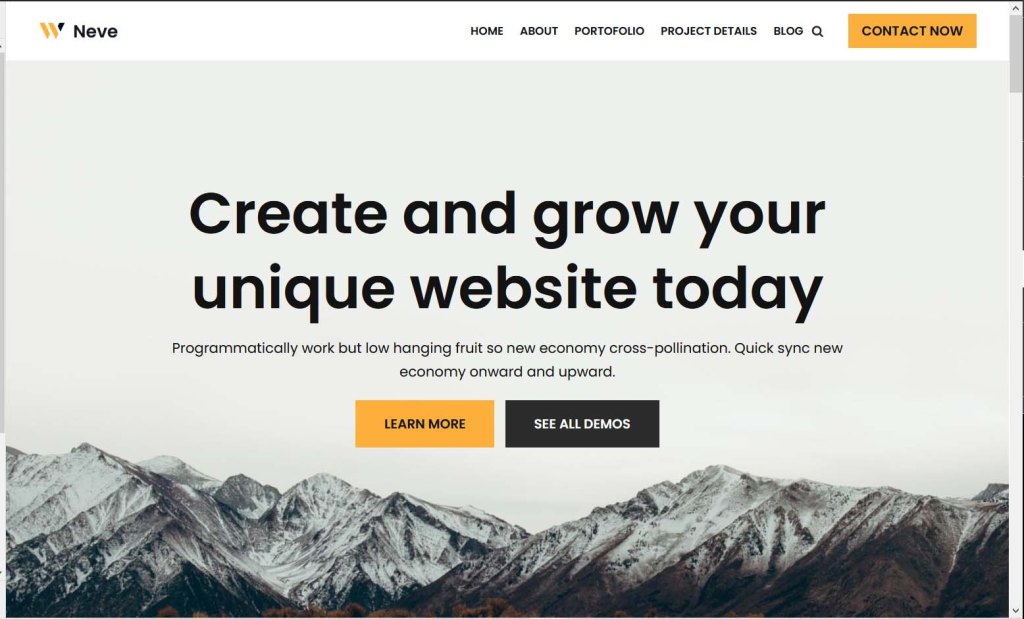
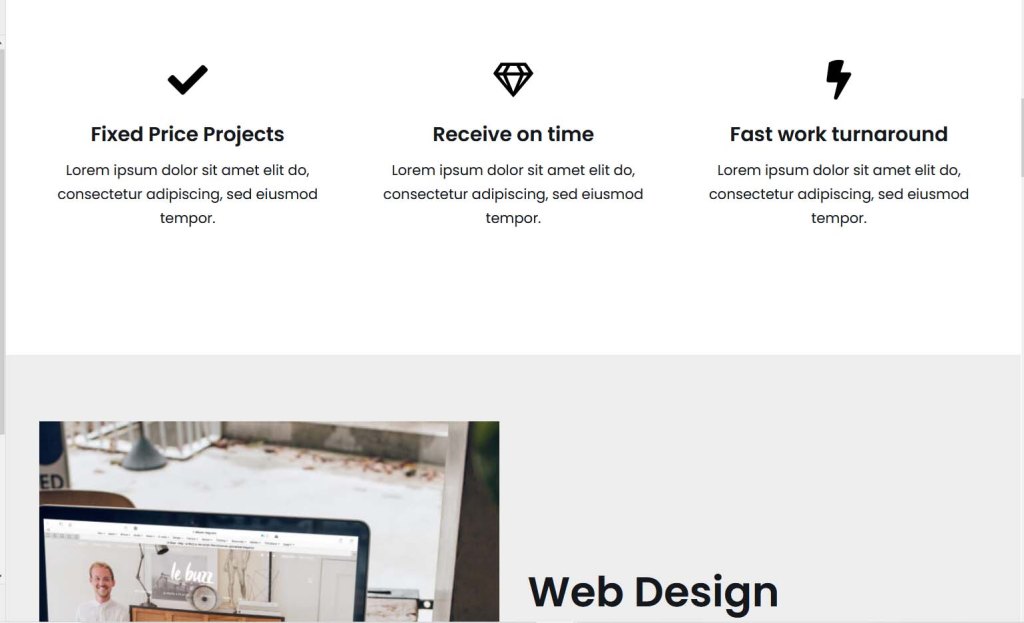
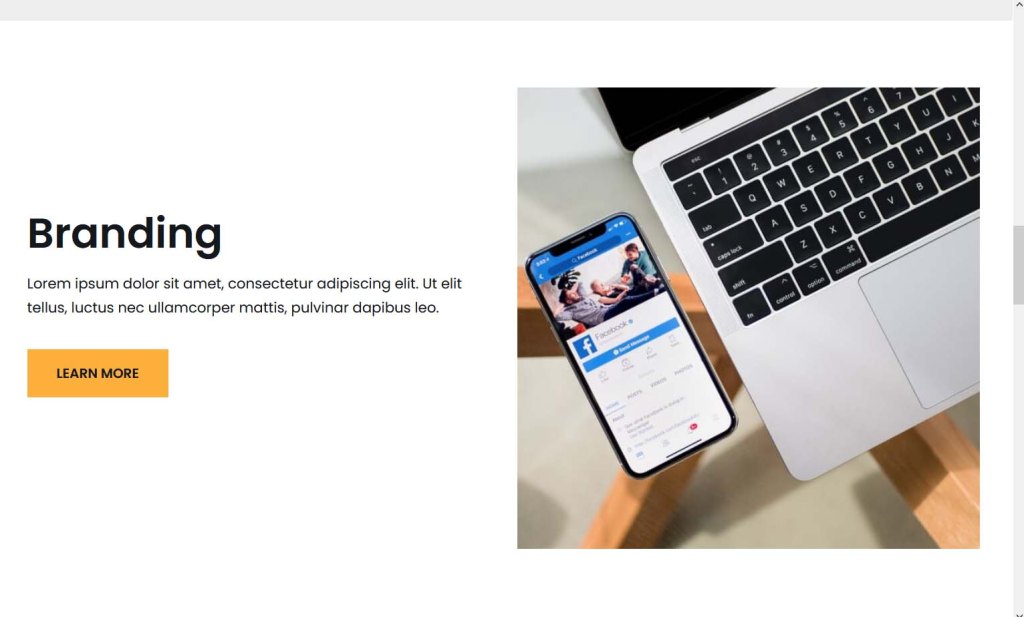
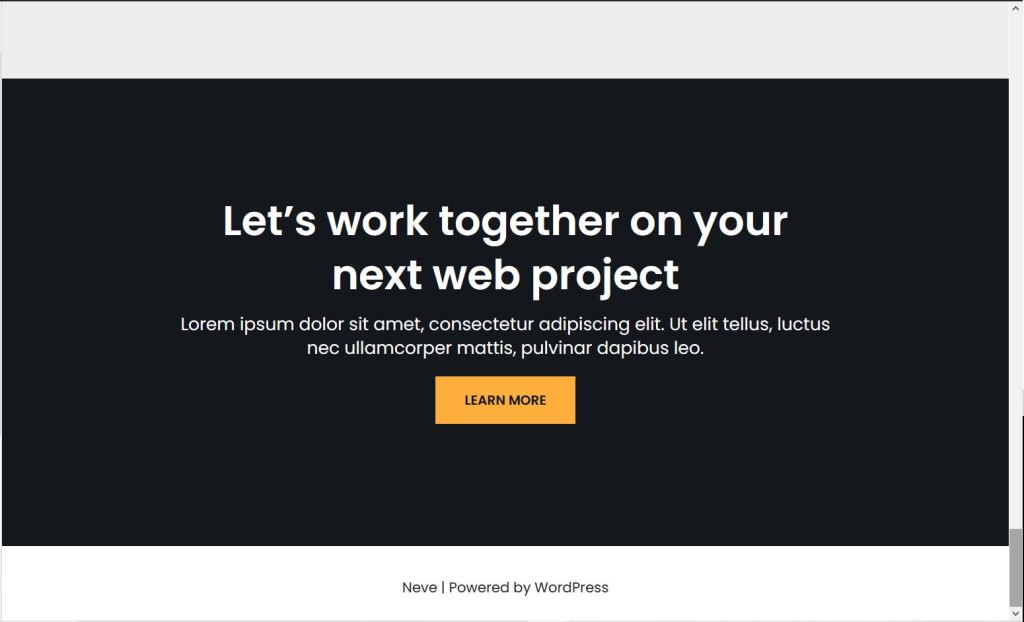
How i started to change the theme, personalize it and create my own child theme from neve:
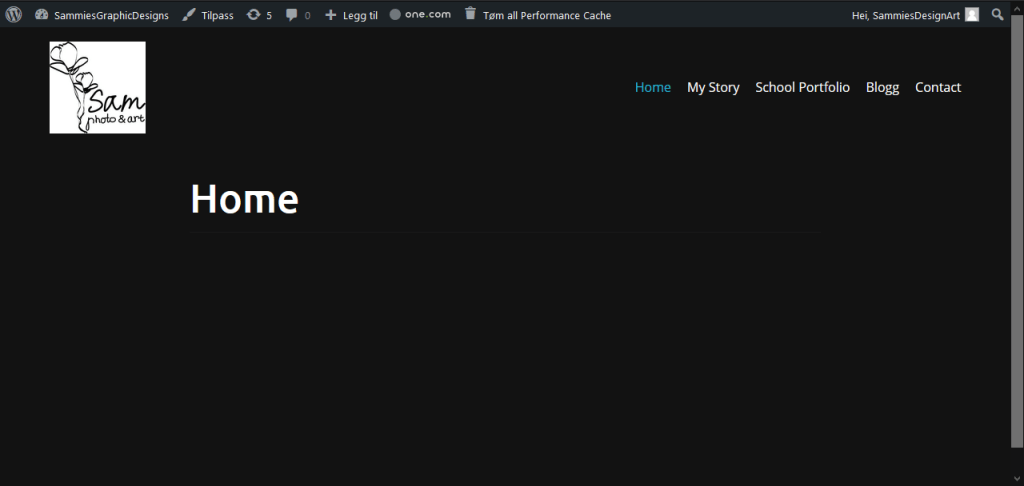
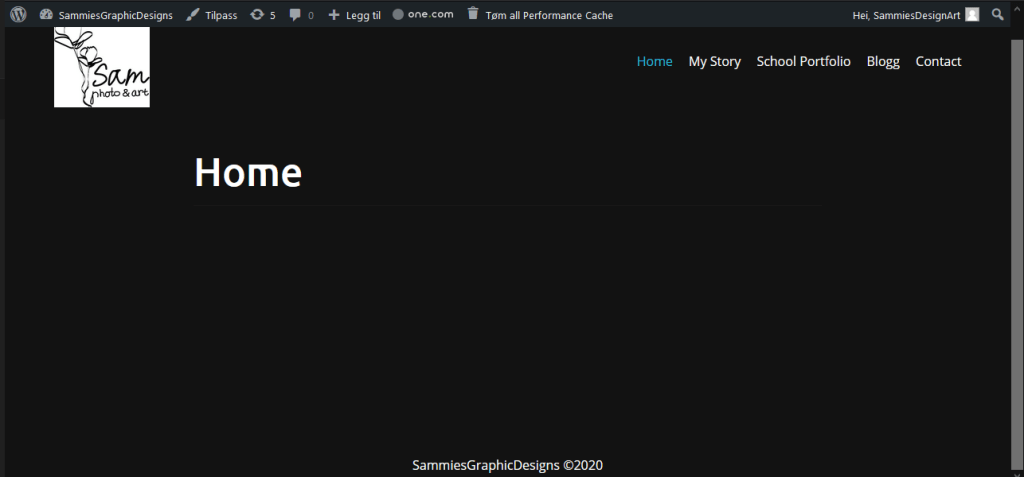
Week 29 were we are creating our own wordpress theme:
I first had to download the local file from my one.com file manager, before i could open the coding to customise it and create my own theme for wordpress that i could later publish. I also followed the linkdin videos to properly understand what it is i was supposed to be doing.

More photos coming soon.
 stinesreflectivejournal.art.blog