Use a colour photo of your choice and create the following colour effects (as per Nigel French’s video) – you should hand in four separate works of the same photo with the following effects:
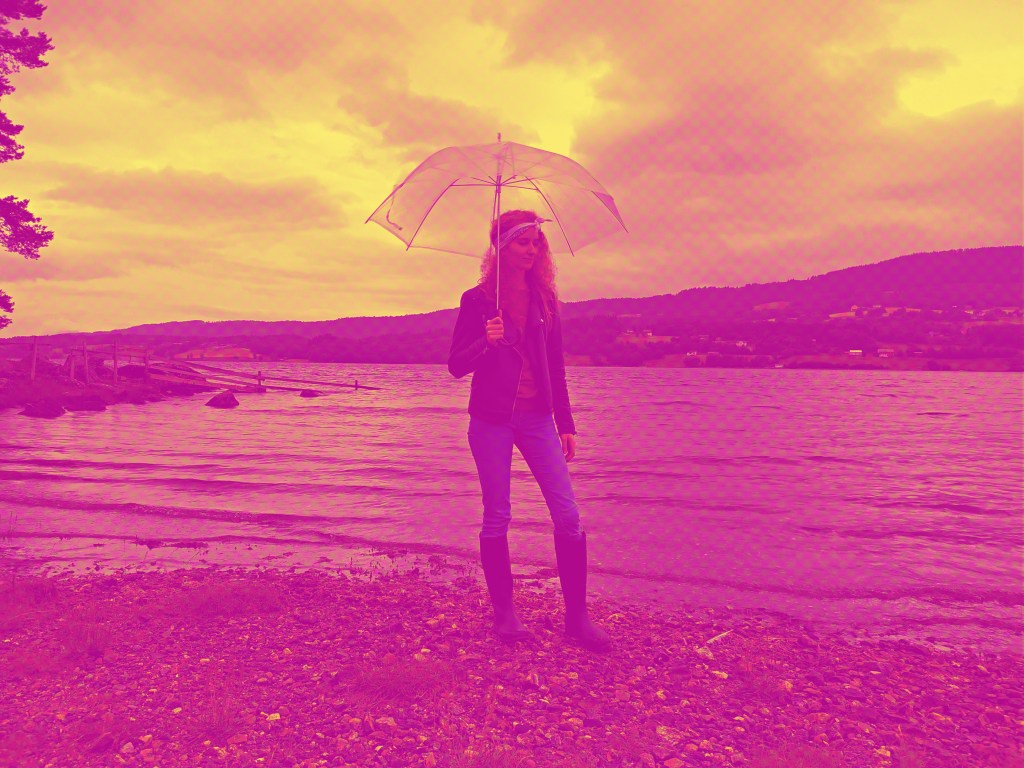
- Create a fluorescent duotone
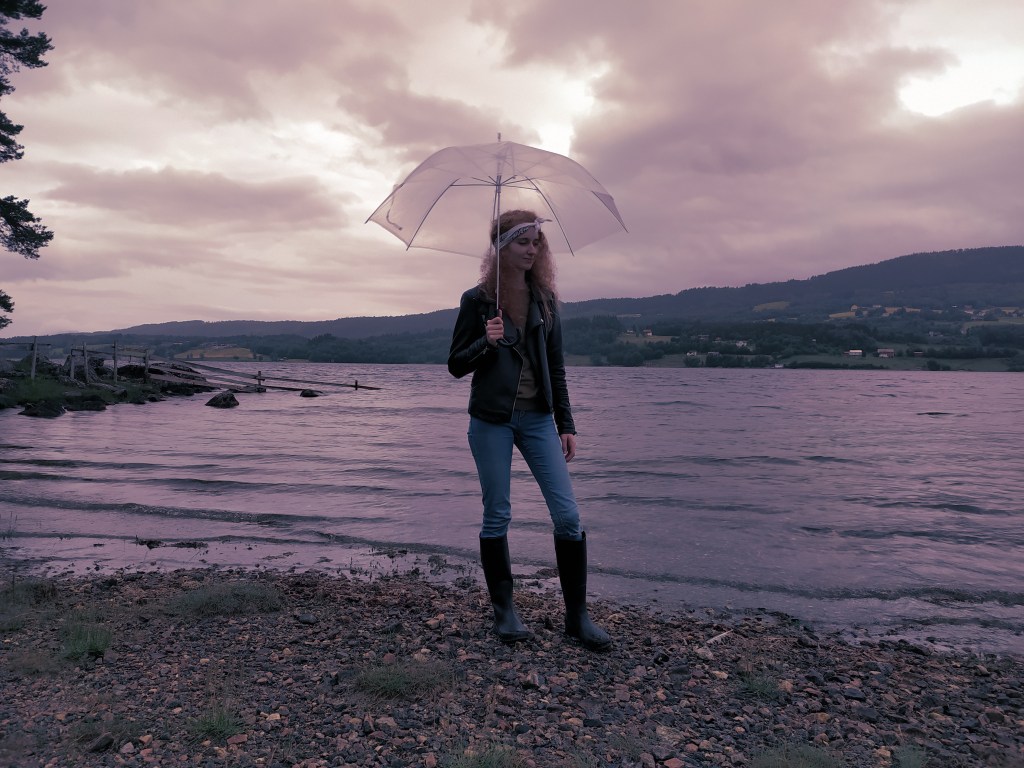
- Apply a monochrome look
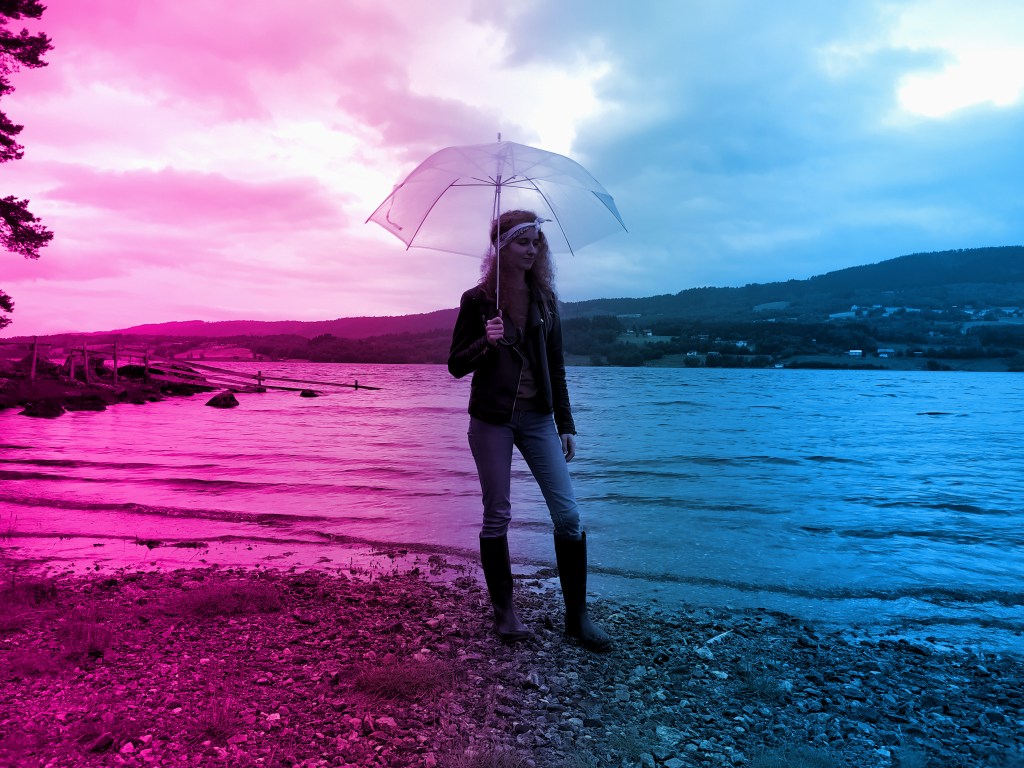
- Split toning of the image
- Freestyle: Create a colour effect of your choice
I chose to use one of my own photos for this lesson task, this is my results:
Fluorescent duotone
Monochrome look

Splitt toning
Freestyle, for the freestyle colour effect i decided to use another duotone whoch i liked very much!
 stinesreflectivejournal.art.blog